Earth Watch · A 3Brains app

Watch your world.

There's a lot happening around you — you just don't always hear about it in time. Earth Watch lets you watch any place on Earth and tells you when natural events or hazards happen nearby.

Earth Alerts near you, and the people you care about.
Earth Watch — Watch Your World

— 01

How it works.

i.

Add a place.

City, neighborhood, address, landmark, or coordinates — we're forgiving. Pick the radius you want to watch: 50, 100, 250, or 500 miles.

ii.

Watch as many places as you want.

Home. Work. Where the kids go to school. Where your parents live. Anywhere you travel. Each place gets watched independently.

iii.

We alert you.

When a natural event or hazard happens near one of your places — earthquake, severe weather, advisory — you'll see an Alert. So you hear about it in time.

— 02

A quick tour.

Earth Watch pulls live data from the U.S. Geological Survey (USGS) and the U.S. National Weather Service — the same sources used by professionals and emergency responders. No noise, no clickbait. Just the events that actually matter near the places you care about.

```
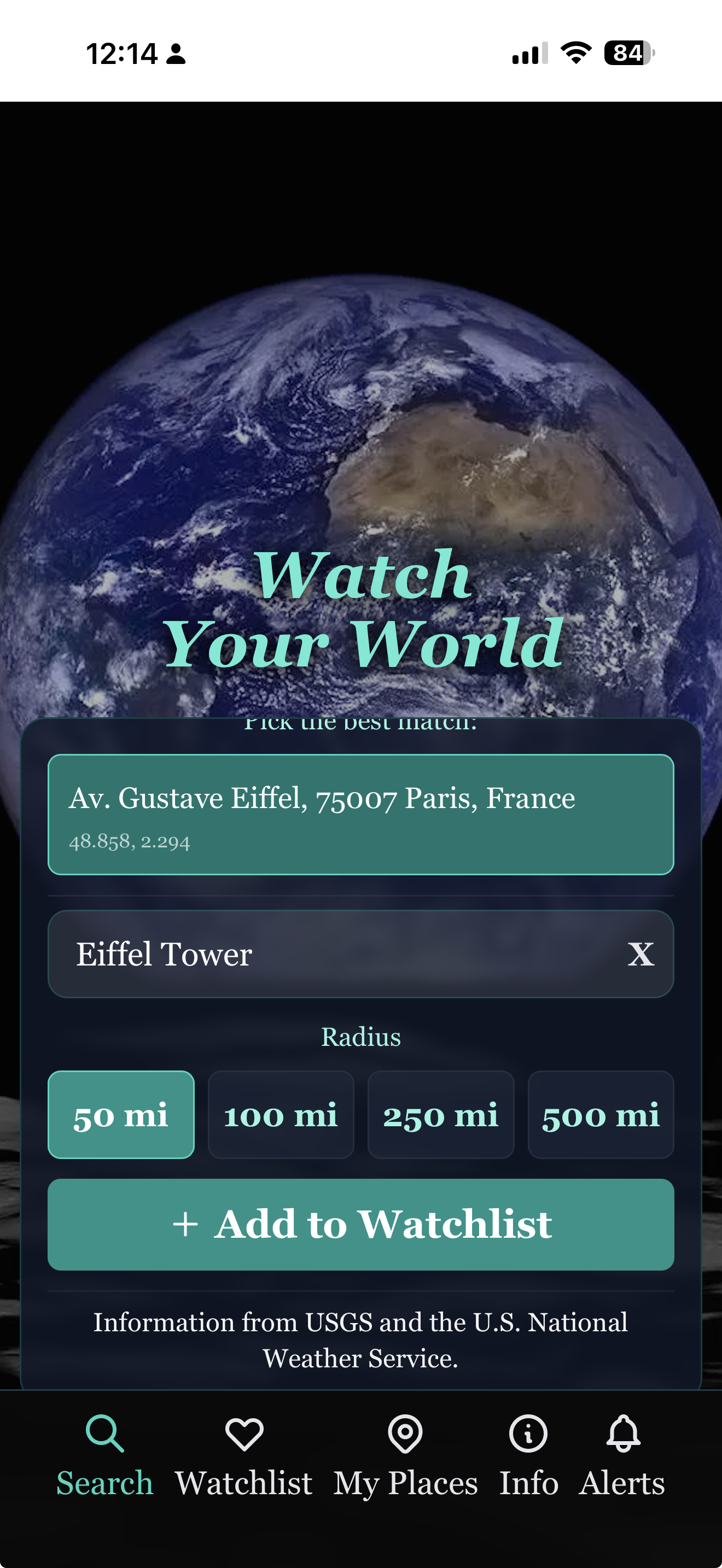
Earth Watch — Add a place
Add a place

City, address, or landmark.

Type any place — Eiffel Tower, your home address, a favorite hike, the ZIP code where your daughter lives. Pick the radius you want to watch: 50, 100, 250, or 500 miles. Your address is safe — we never share it.

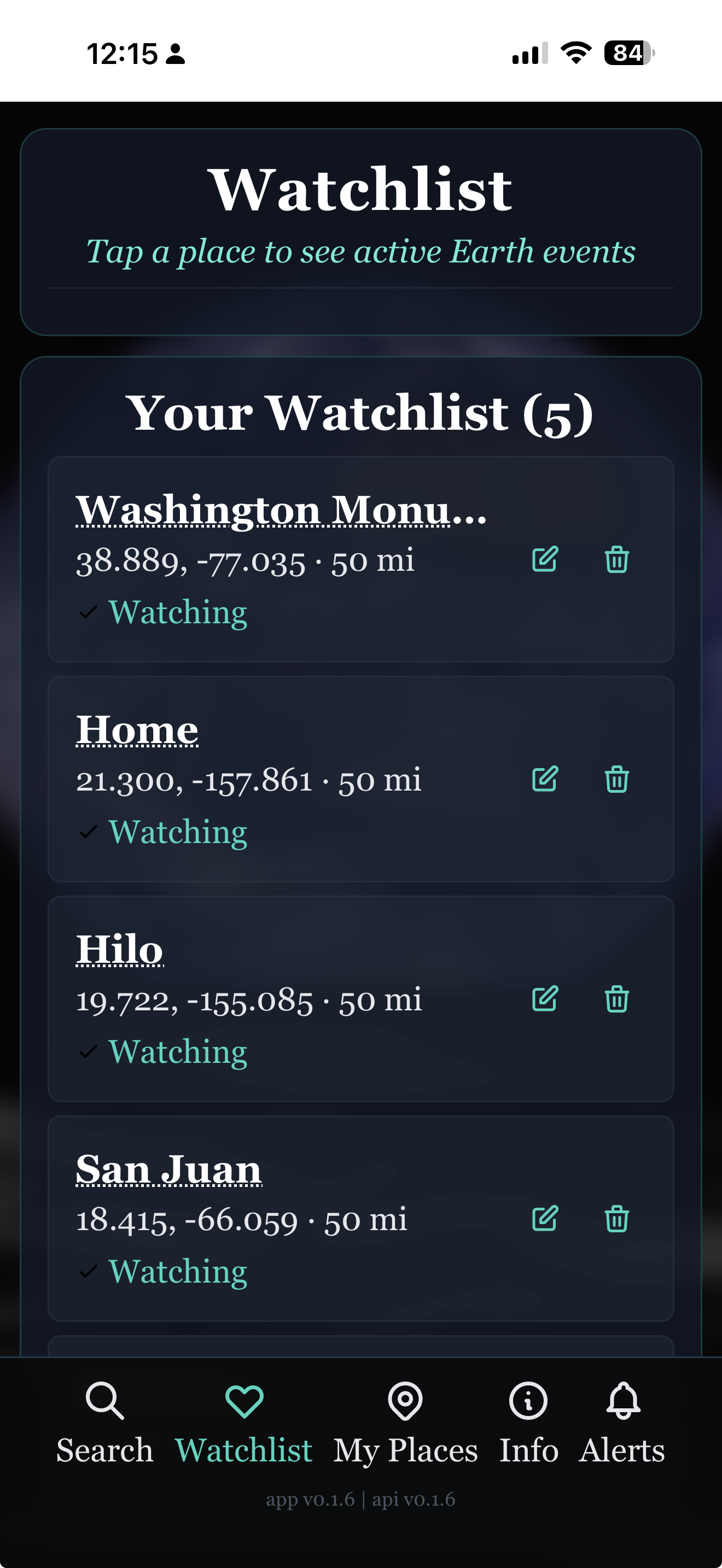
Earth Watch — Watchlist
Your watchlist

Every place you care about, in one list.

Home, family in Hilo, the cousin in San Juan, a trip to D.C. next month. Each entry gets watched independently — different radius, different alerts. Tap any place to see what's happening there right now.

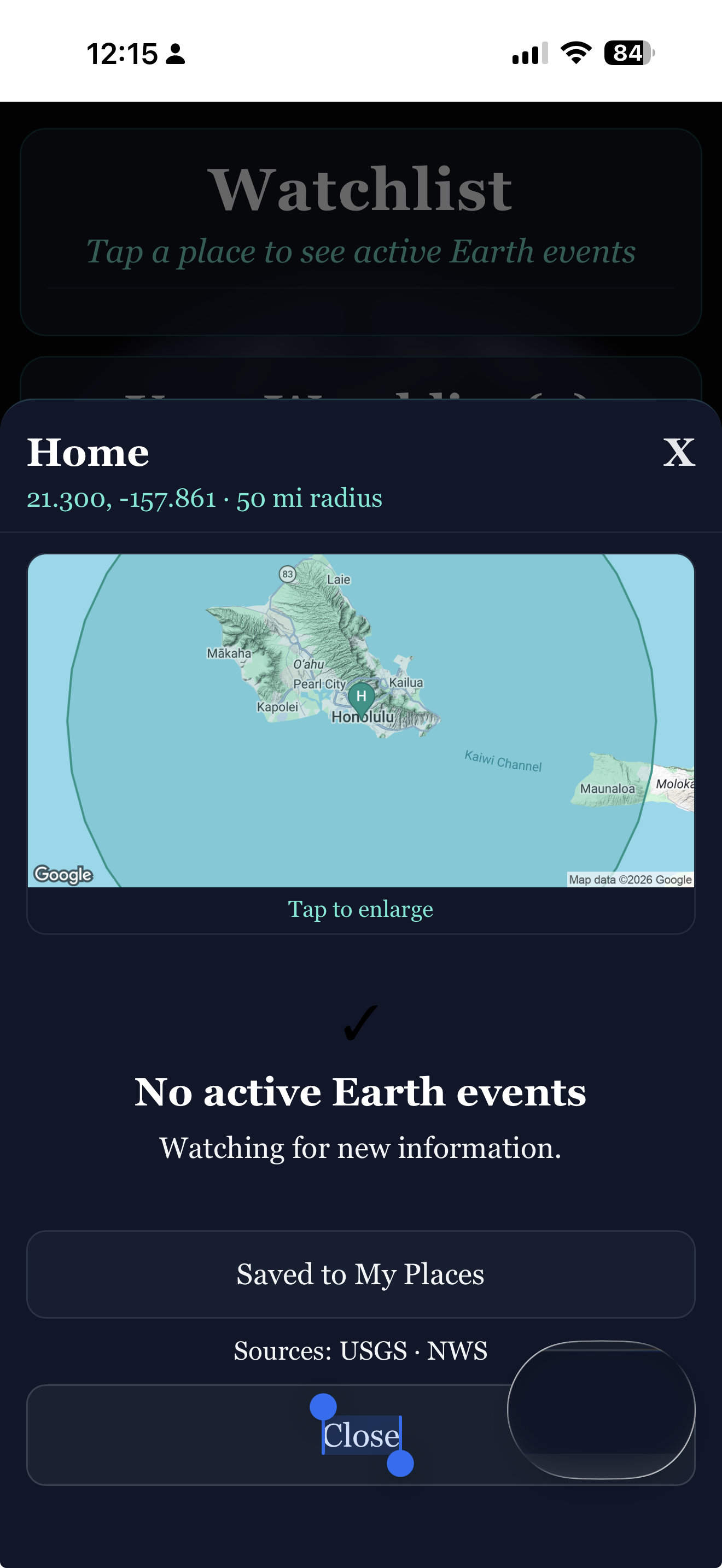
Earth Watch — Place detail with map
Place detail

See the radius. See the events.

Tap a place to see its watch radius on the map and any active Earth events inside it. "No active Earth events" is a perfectly good answer — and it means we're still watching for new information.

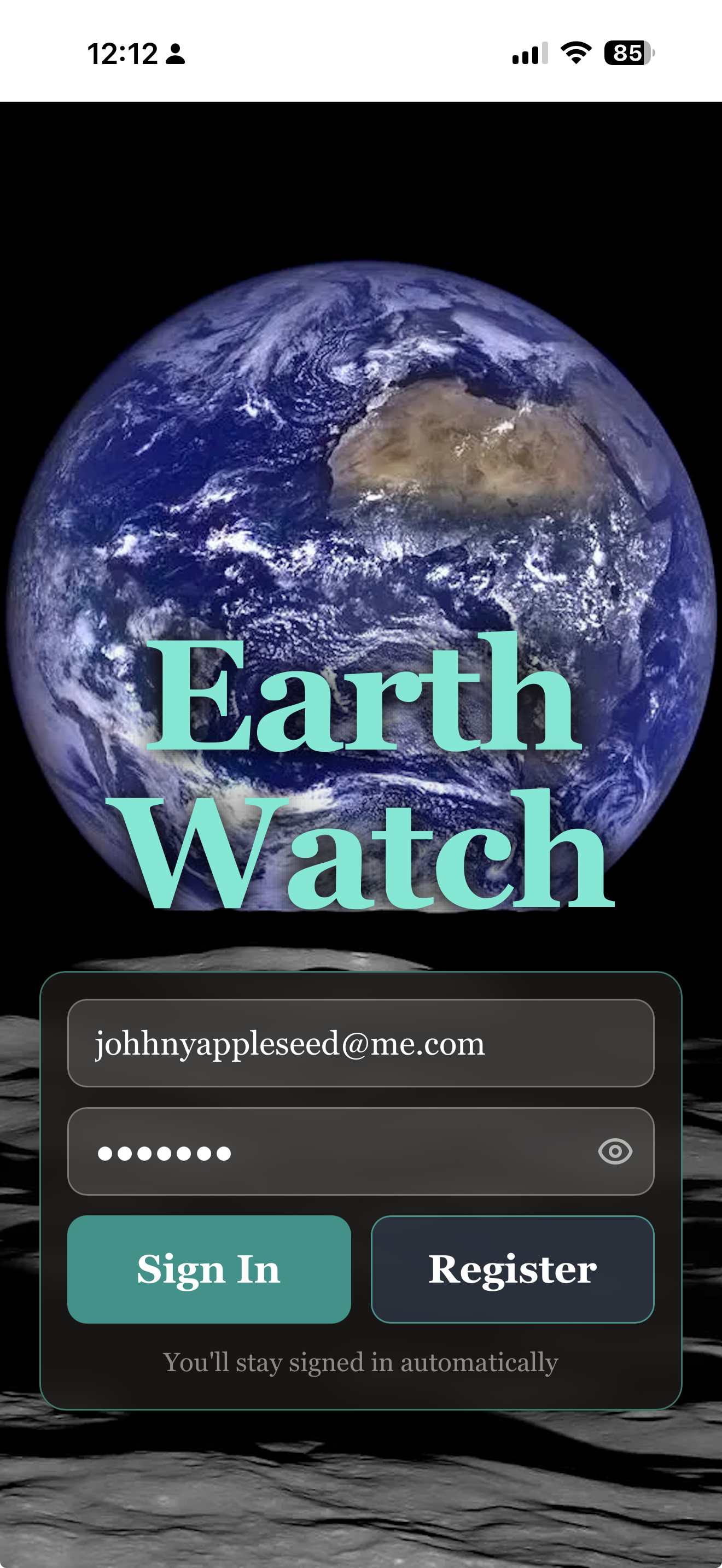
Earth Watch — Sign in
Get started

One sign-in, then we remember you.

Email and a password — that's it. No social login, no third-party tracking. You stay signed in automatically across devices, so the next time you open Earth Watch your places are right where you left them.

```
— 03

Put Earth Watch on your phone.

Or just try it now — open it in your browser:

Open Earth Watch

Earth Watch is a web app — it installs in one tap, with no app store needed. Once installed, it has its own icon on your home screen and runs full-screen, just like any other app.

iPhone & iPad Safari

  1. Open earthwatch.app in Safari (not Chrome — Apple only allows installs from Safari).
  2. Tap the Share button — the square with an arrow pointing up — at the bottom of the screen.
  3. Scroll down in the share menu and tap Add to Home Screen.
  4. Tap Add in the top-right corner. That's it.

The Earth Watch icon will appear on your home screen next to your other apps. Tap it any time to launch.

Android Chrome

  1. Open earthwatch.app in Chrome.
  2. Tap the three-dot menu in the top-right corner.
  3. Tap Install app — or Add to Home Screen, depending on your version of Chrome.
  4. Tap Install. That's it.

Some versions of Chrome show an automatic install banner at the bottom of the page — you can use that instead if you'd like.

Already on your phone? Just open it.

Open Earth Watch
— 04

A few honest questions.

Where does the data come from?
Earth Watch pulls live data from the U.S. Geological Survey (USGS) for earthquakes and geological events, and the U.S. National Weather Service (NWS) for weather alerts and advisories. These are the same sources used by professionals and emergency responders.
Is my address safe?
Yes. Your places are stored privately on your account. We don't share them, sell them, or use them for anything other than telling you when something is happening near them.
What kinds of events trigger an alert?
Earthquakes, severe weather, flood and wildfire advisories, and other natural events reported by USGS and NWS within your chosen radius. We aim for "things you'd actually want to know about" — not every small tremor or routine forecast.
Can I watch places outside the U.S.?
Yes for earthquakes — USGS data is global. Weather data is currently U.S.-focused via the National Weather Service. We're looking at international weather sources for future updates.
Does it cost anything?
No. Earth Watch is free. There are no ads and no subscriptions on the core experience.
Can I delete my places or my account?
Yes — any time, from inside the app. Each place has a delete button, and the Account section lets you remove everything. We don't make it hard.
— 05

Other 3Brains apps. Same idea, different things to watch.

3Brains is a small platform of watch apps. Once you know one, you know them all — add what you care about, and we'll alert you when something changes.