Memory Watch · A 3Brains app

Whatever happened to someone you used to know?

Old friends. Family. People we once knew of. Memory Watch quietly checks public records and lets you know when something changes — so you can find out, and stay informed.

Simple. Respectful. Private.
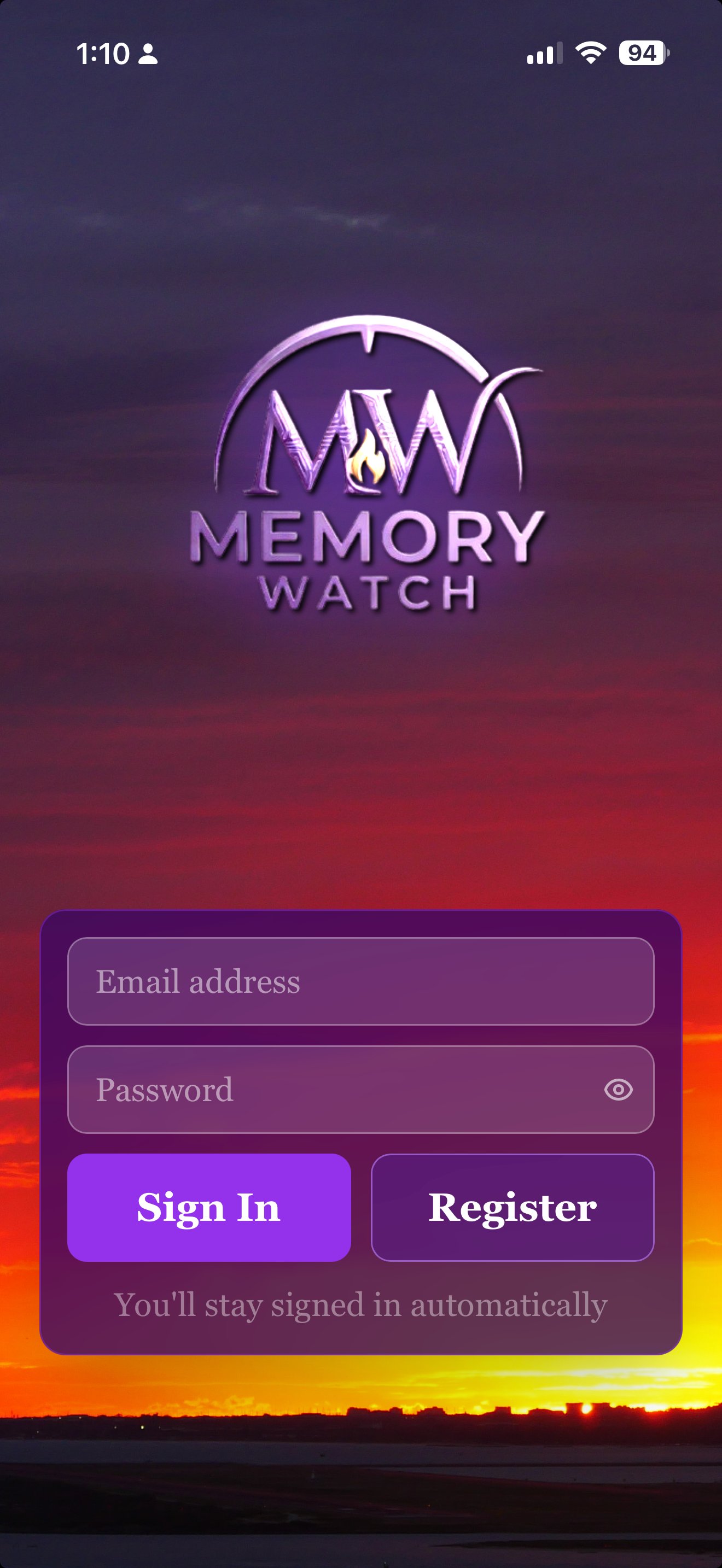
Memory Watch — Start with a name

— 01

How it works.

i.

Start with a name.

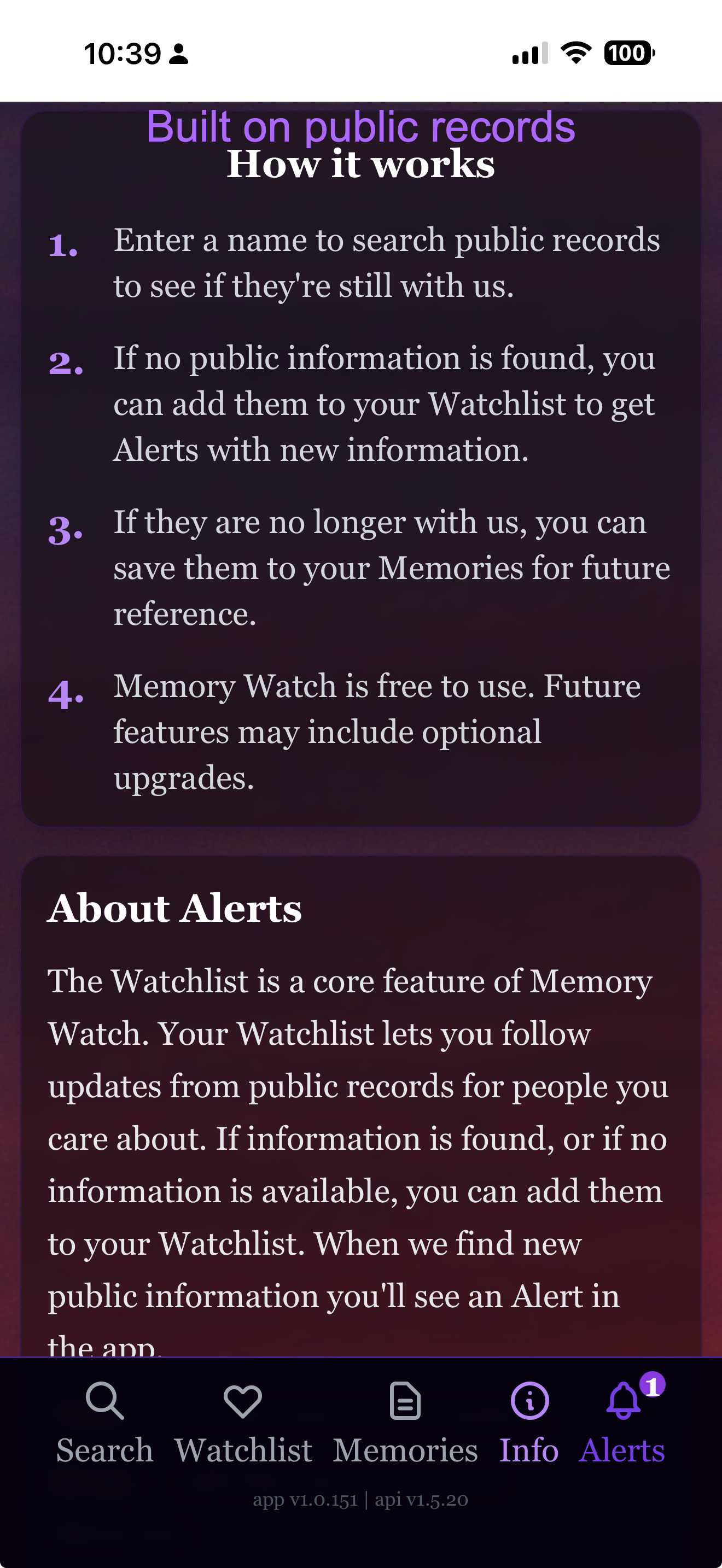
Enter a name to search public records — Wikipedia and the Social Security Death Index — to see if they're still with us.

ii.

Watch or remember.

If they're still with us, add them to your Watchlist for future alerts. If they're no longer with us, save them to your Memories.

iii.

We alert you.

When public information changes about someone on your Watchlist, you'll see an Alert in the app. No noise, no clutter — just the news that matters.

— 02

A quick tour.

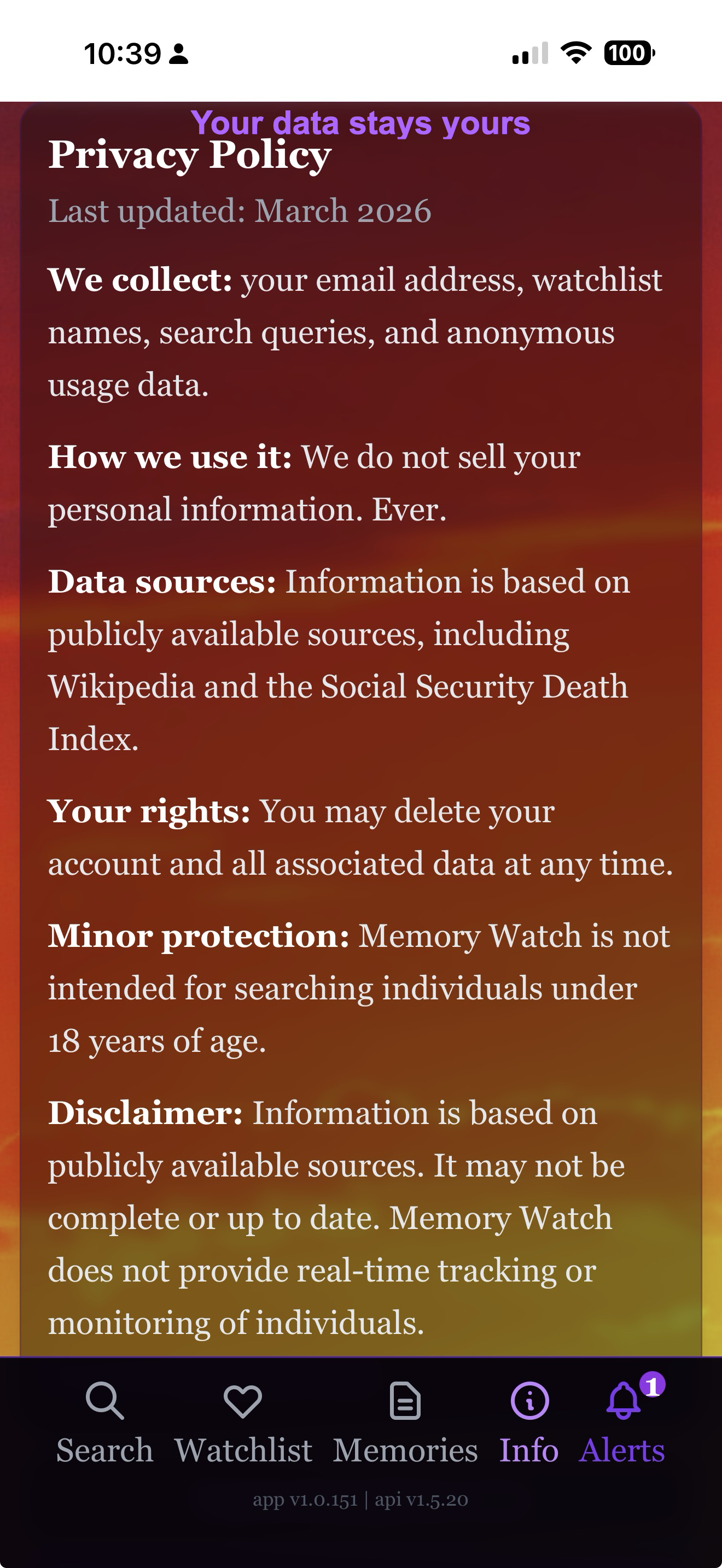
Memory Watch is built around public records, not social media. No advertising, no engagement bait, no paywalls — just dignified answers, and a quiet way to stay informed.

```
Memory Watch — Found alive result
Find out in seconds

A clear answer, right away.

Type a name and Memory Watch checks Wikipedia and the SSDI, then gives you a clear result — Likely Alive or Has Passed Away — alongside a public bio so you know you've found the right person.

Memory Watch — Watchlist
Watch for changes over time

Add anyone to your Watchlist.

Old friends, colleagues, distant family. Memory Watch keeps watching the public record on your behalf — every day, in the background — so you don't have to come back and search again.

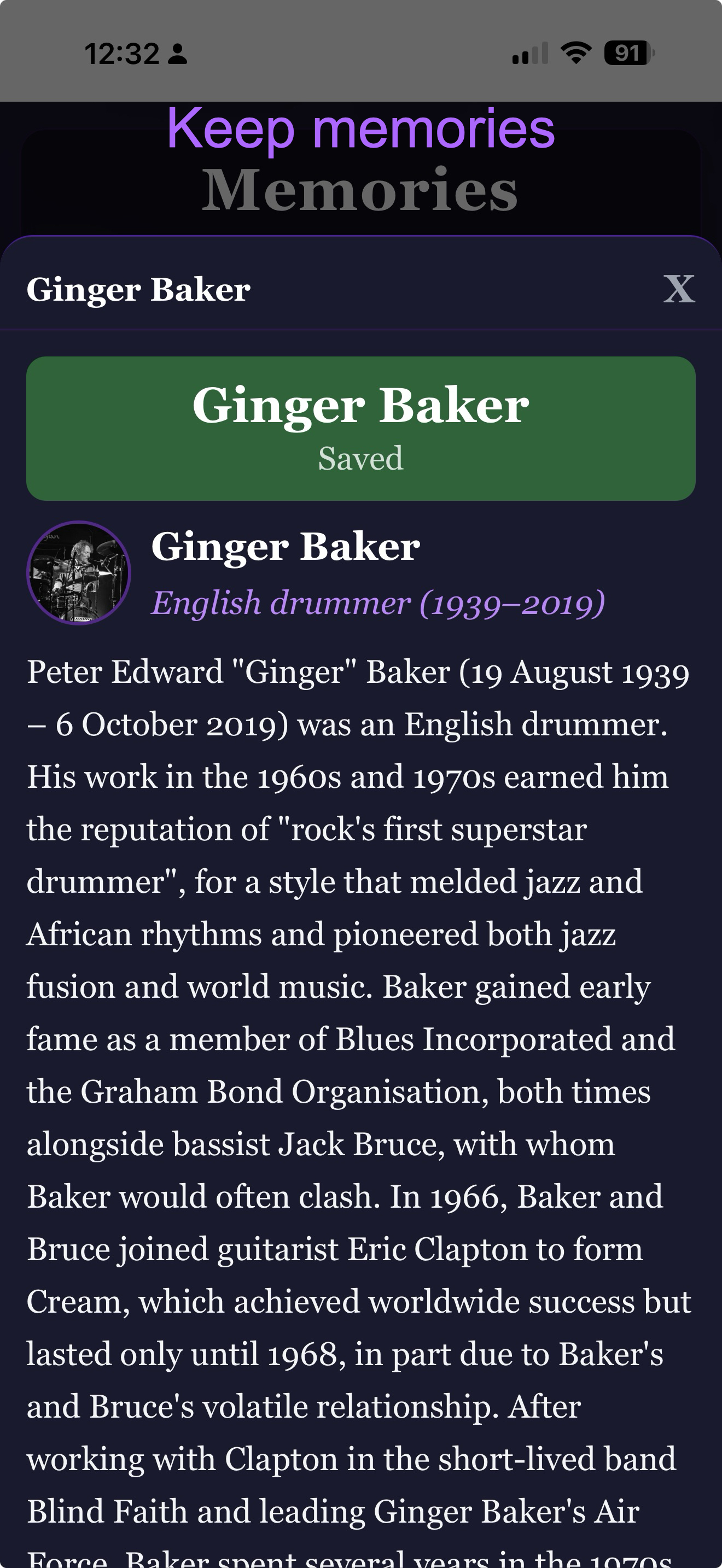
Memory Watch — Memories
Save people who matter

A place to keep those we've lost.

When someone is no longer with us, save them to Memories. Memory Watch keeps the public record of their life — bio, dates, sources — so you can revisit it any time. Quietly, on your terms.

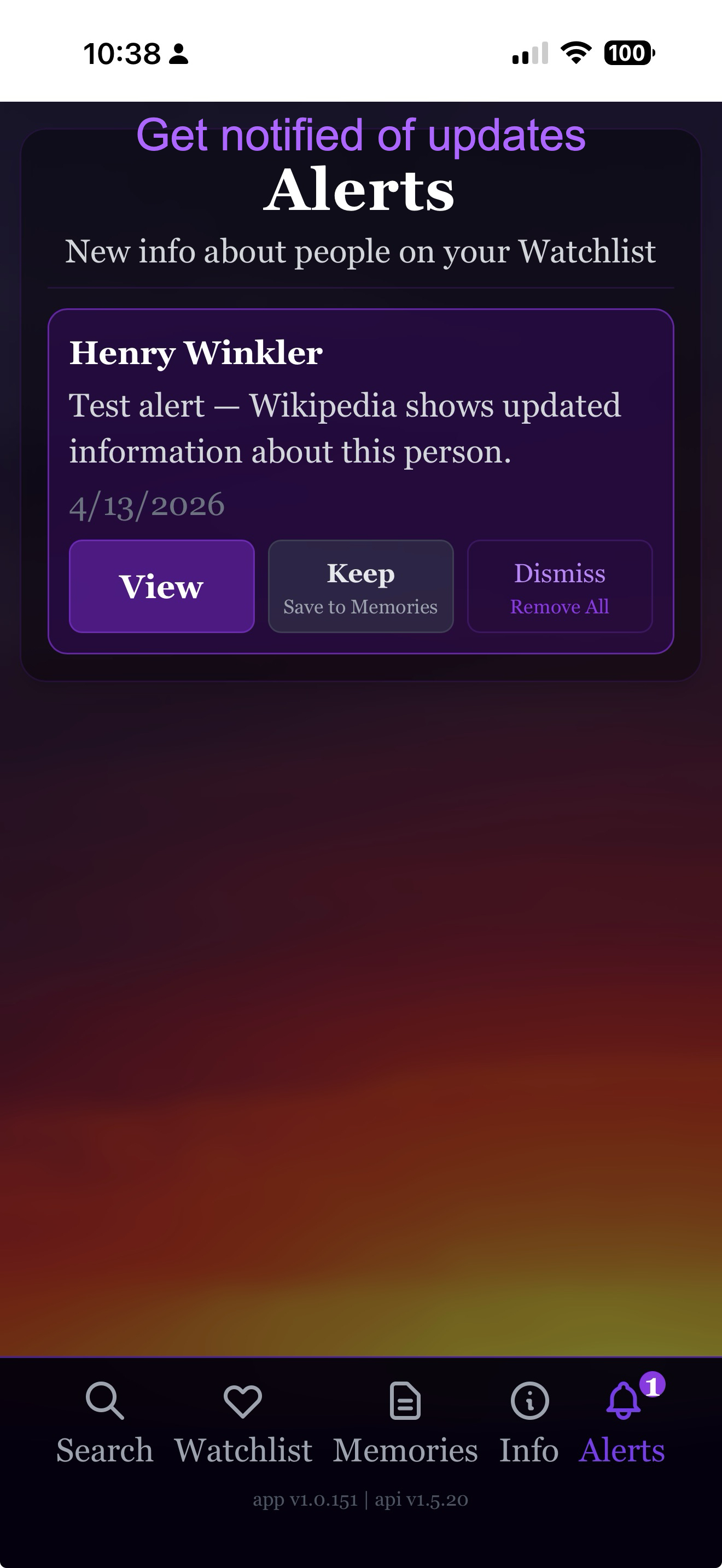
Memory Watch — Alerts
Get notified of updates

Find out when, not if.

When the public record changes — a Wikipedia update, a new obituary entry — you'll see an Alert. Tap to view, keep it in Memories, or dismiss. No social feed. No advertising. Just the news that matters.

```
— 03

Put Memory Watch on your phone.

Or just try it now — open it in your browser:

Open Memory Watch

Memory Watch is a web app — it installs in one tap, with no app store needed. Once installed, it has its own icon on your home screen and runs full-screen, just like any other app.

iPhone & iPad Safari

  1. Open memorywatch.app in Safari (not Chrome — Apple only allows installs from Safari).
  2. Tap the Share button — the square with an arrow pointing up — at the bottom of the screen.
  3. Scroll down in the share menu and tap Add to Home Screen.
  4. Tap Add in the top-right corner. That's it.

The Memory Watch icon will appear on your home screen next to your other apps. Tap it any time to launch.

Android Chrome

  1. Open memorywatch.app in Chrome.
  2. Tap the three-dot menu in the top-right corner.
  3. Tap Install app — or Add to Home Screen, depending on your version of Chrome.
  4. Tap Install. That's it.

Some versions of Chrome show an automatic install banner at the bottom of the page — you can use that instead if you'd like.

Already on your phone? Just open it.

Open Memory Watch
— 04

A few honest questions.

Where does the information come from?
Memory Watch is built on publicly available sources — Wikipedia and the Social Security Death Index (SSDI). We don't scrape social media, and we don't access anything that isn't already public.
Is this respectful?
That's the whole point. Memory Watch is built to be quiet and dignified — no advertising, no social feed, no engagement bait. It exists for people who want to stay quietly aware, not to gawk or sensationalize.
Does it cost anything?
No. Memory Watch is free. There are no ads and no paywalls on the core experience.
What happens if I add someone who's still alive?
Nothing. Memory Watch keeps watching quietly in the background. You'll only hear from us if a public record actually changes. No news is good news, and we don't bother you with confirmations.
Can I delete my watchlist or my account?
Yes — any time, from inside the app. There's an Account section that lets you remove individual entries or delete everything. We don't make it hard.
Is Memory Watch in the App Store?
Yes — Memory Watch is available in the iOS App Store. You can also install it directly to your phone as a web app, with no App Store needed (see the install instructions above).
— 05

Other 3Brains apps. Same idea, different things to watch.

3Brains is a small platform of watch apps. Once you know one, you know them all — add what you care about, and we'll alert you when something changes.