Player Watch · A 3Brains app

Who are you watching?

The players you care about, all in one place. Add anyone across the NFL, NBA, MLB, NHL, or MLS to your watchlist, and Player Watch keeps tabs on the moves that matter — trades, injuries, retirements, and milestones — and tells you when something changes.

No bloat. No noise. Just the players you picked.
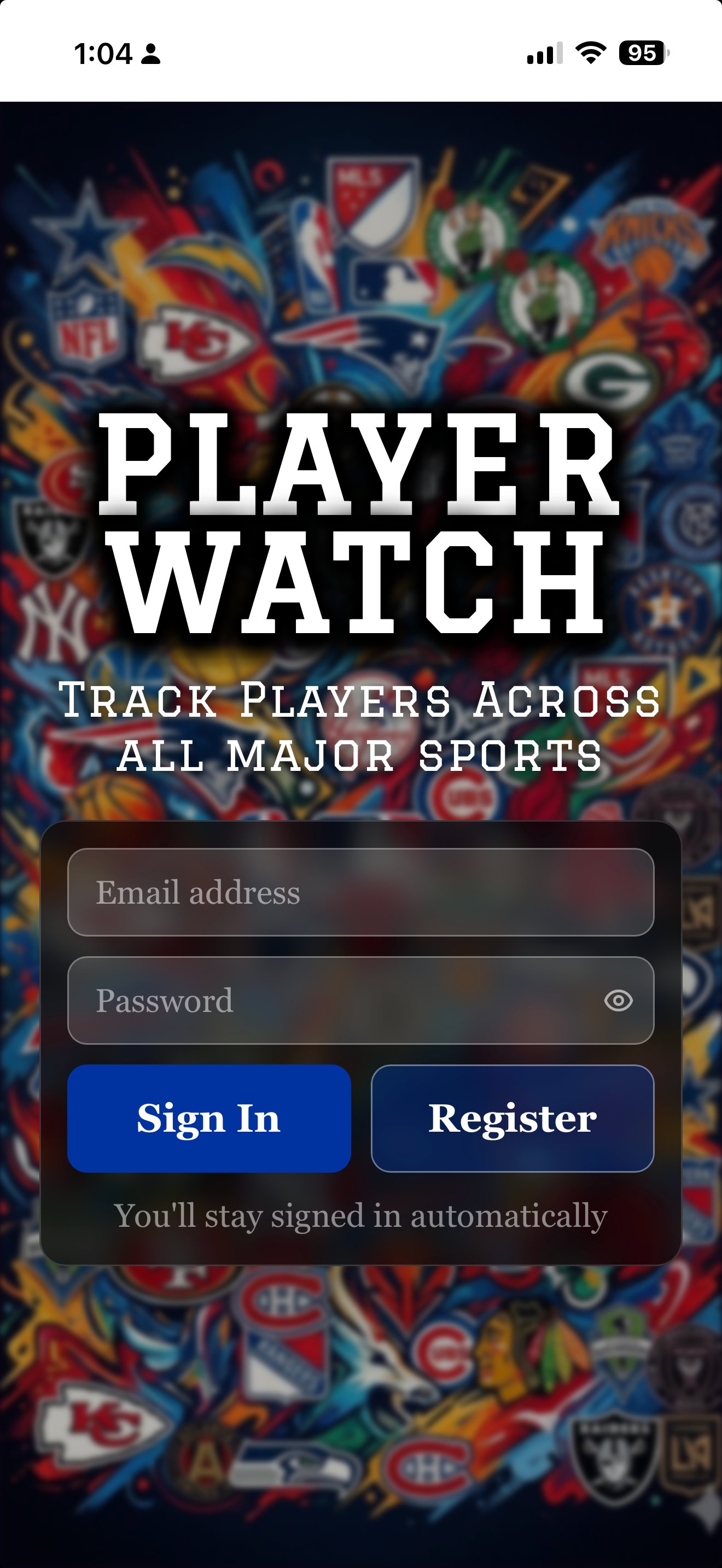
Player Watch — Who Are You Watching

— 01

How it works.

i.

Search a player.

Pull a bio from Wikipedia and live stats from ESPN — across the NFL, NBA, MLB, NHL, and MLS — in one tap.

ii.

Save them with one tap.

We capture their stats right away to your My Players page, and add them to your Watchlist for ongoing updates.

iii.

We alert you.

When the moves that matter happen — trades, injuries, retirements, milestones — Player Watch tells you. No bloat. No noise.

— 02

A quick tour.

Player Watch is built on Wikipedia bios and ESPN's public stats. No fantasy gambling. No prop ads. No sponsored takes. Just the players you picked, and the news that affects them.

```
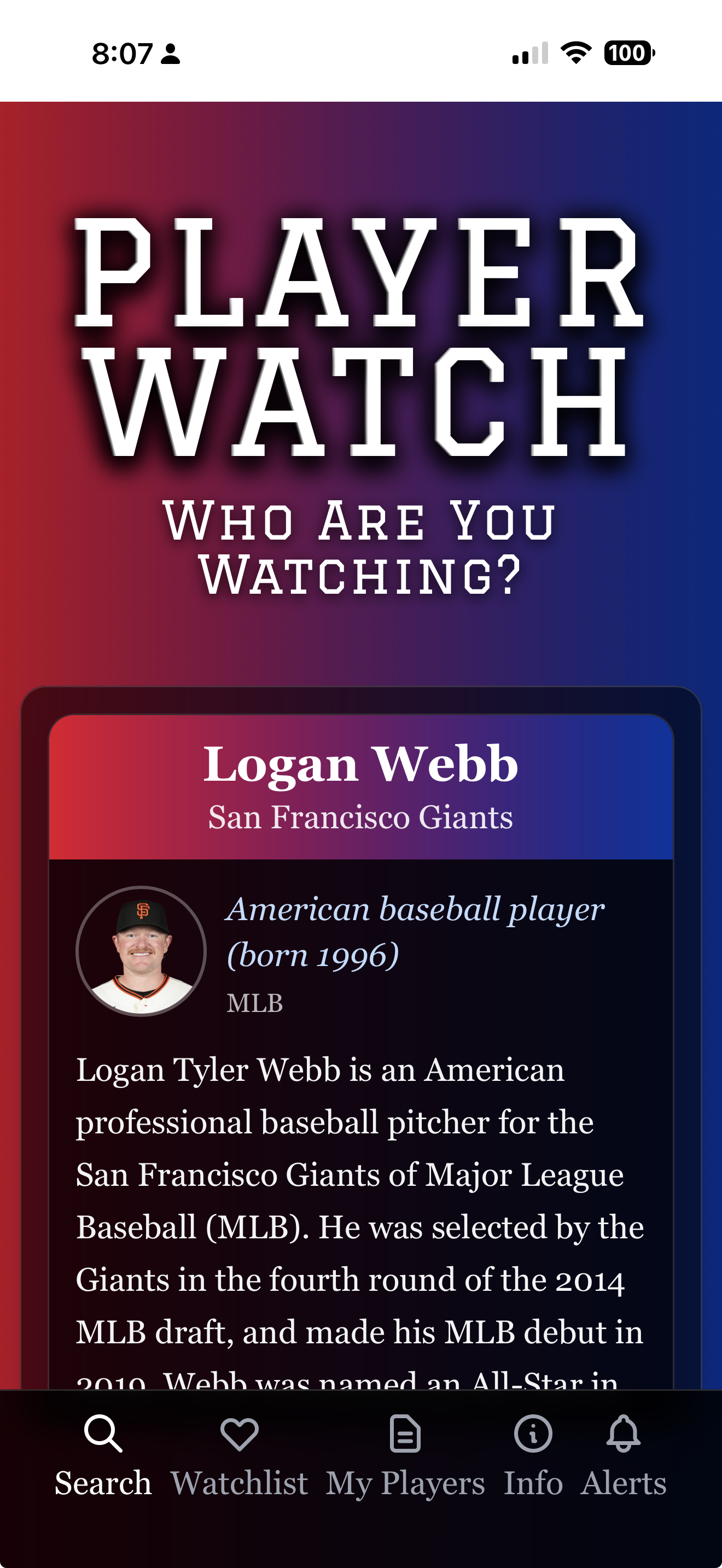
Player Watch — Logan Webb result
Find your player

Bio plus stats, side by side.

Search any pro athlete across the five major leagues. Player Watch returns a clean profile — bio from Wikipedia, stats from ESPN — so you know who they are and what they're doing right now.

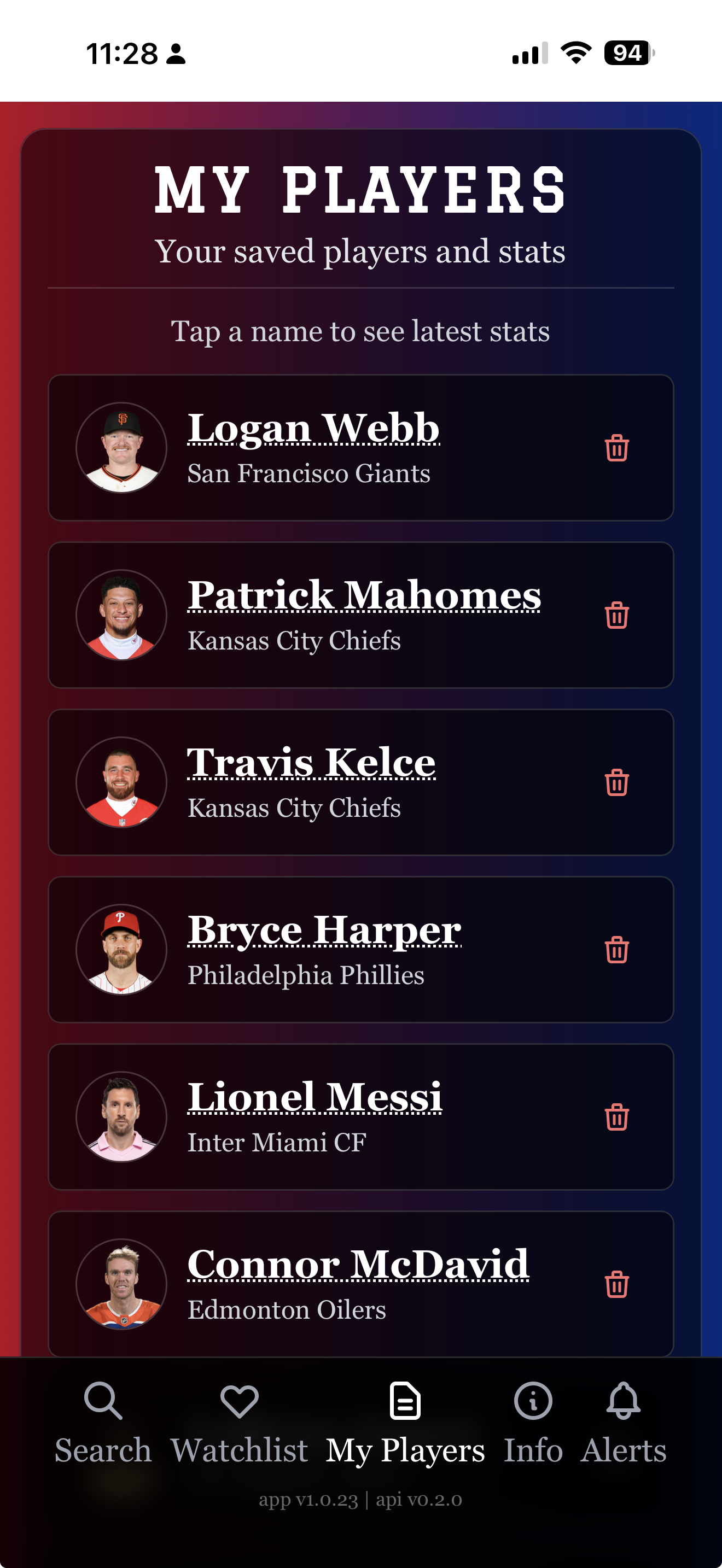
Player Watch — My Players
My Players

The players you care about, in one place.

Build your roster across leagues and sports — favorites, hometown heroes, fantasy stars, kids on the rise. Tap any name to see their latest saved stats, no scrolling through 50 other players to get there.

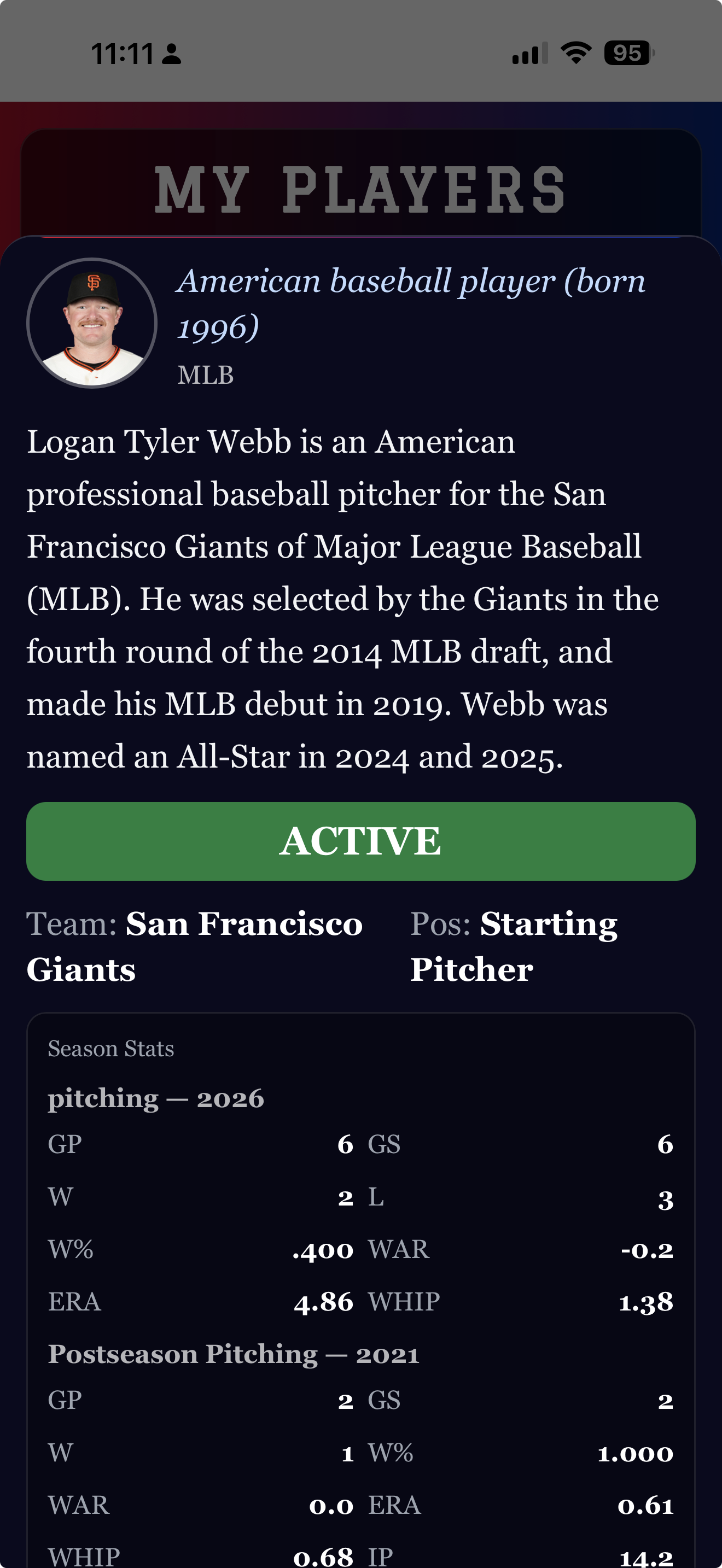
Player Watch — Player detail
Stats & status

Active. Injured. Retired.

Each player card shows their current status at a glance — Active, Injured, Retired — alongside season stats, postseason history, and recent news. Tap to refresh; we'll pull the latest from ESPN.

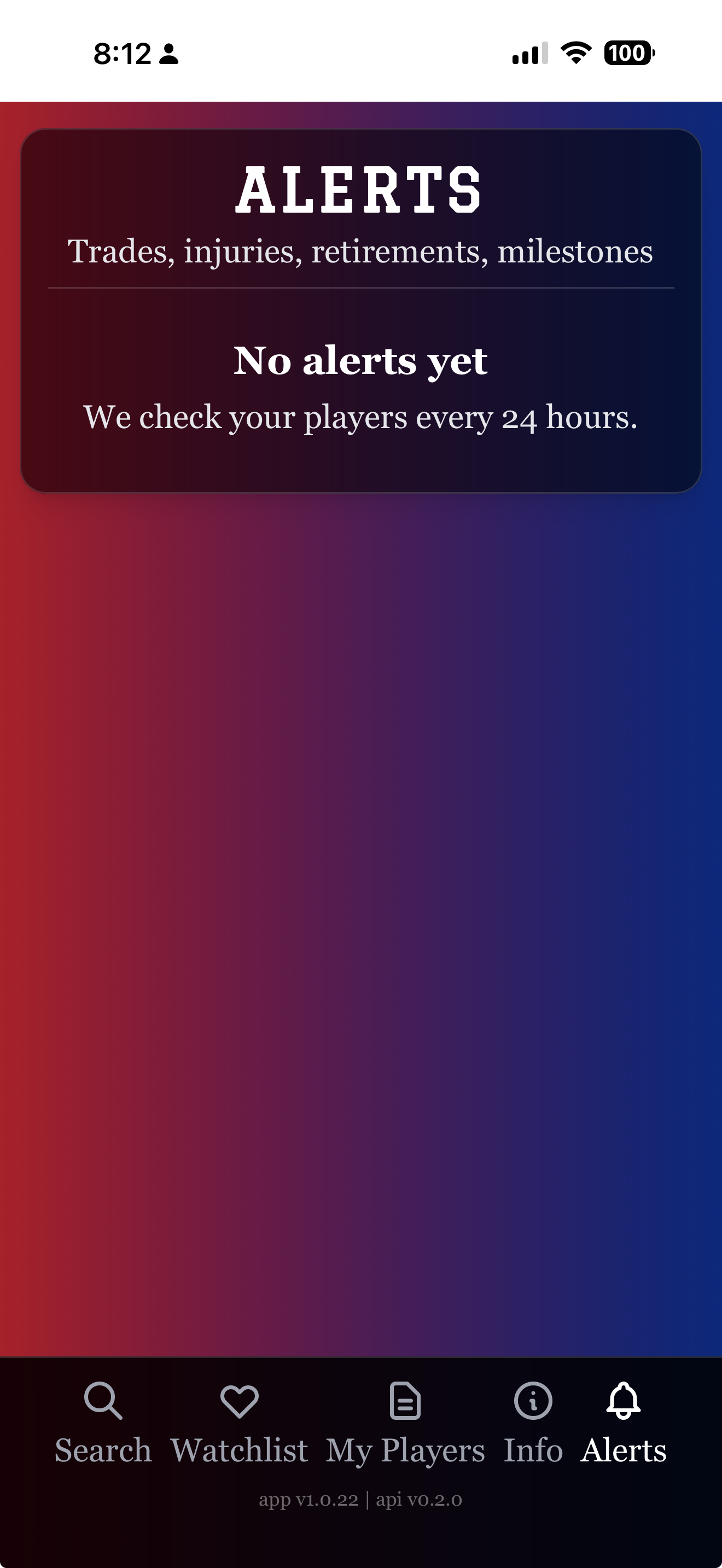
Player Watch — Alerts
Alerts

Trades, injuries, retirements, milestones.

Player Watch checks your players every 24 hours and alerts you when the moves that matter happen. No prop bets. No clickbait. Just the news that actually affects the players you're watching.

```
— 03

Put Player Watch on your phone.

Or just try it now — open it in your browser:

Open Player Watch

Player Watch is a web app — it installs in one tap, with no app store needed. Once installed, it has its own icon on your home screen and runs full-screen, just like any other app.

iPhone & iPad Safari

  1. Open playerwatch.app in Safari (not Chrome — Apple only allows installs from Safari).
  2. Tap the Share button — the square with an arrow pointing up — at the bottom of the screen.
  3. Scroll down in the share menu and tap Add to Home Screen.
  4. Tap Add in the top-right corner. That's it.

The Player Watch icon will appear on your home screen next to your other apps. Tap it any time to launch.

Android Chrome

  1. Open playerwatch.app in Chrome.
  2. Tap the three-dot menu in the top-right corner.
  3. Tap Install app — or Add to Home Screen, depending on your version of Chrome.
  4. Tap Install. That's it.

Some versions of Chrome show an automatic install banner at the bottom of the page — you can use that instead if you'd like.

Already on your phone? Just open it.

Open Player Watch
— 04

A few honest questions.

Which sports does Player Watch cover?
All five major North American leagues — NFL, NBA, MLB, NHL, and MLS. If a player is rostered in any of those, you can search them and add them to your watchlist.
Where does the data come from?
Bio data comes from Wikipedia. Stats and player news come from ESPN's public APIs. We don't scrape paid services or proprietary feeds.
Is there fantasy or betting integration?
No. Player Watch is built for fans who want to follow the players they care about — without ads, prop bets, or sponsored takes pulling at their attention. If you use a fantasy or betting service, you can use Player Watch alongside it. But we don't do that ourselves.
Does it cost anything?
No. Player Watch is free. There are no ads and no subscriptions on the core experience.
How often does it check for updates?
Player Watch checks your players every 24 hours in the background, and you can also tap any player's name to manually pull the latest stats and news at any time.
Can I delete my account?
Yes — any time, from inside the app. There's an Account section that lets you remove individual entries or delete everything. We don't make it hard.
— 05

Other 3Brains apps. Same idea, different things to watch.

3Brains is a small platform of watch apps. Once you know one, you know them all — add what you care about, and we'll alert you when something changes.