Candidate Watch · A 3Brains app

Watch
your candidates.

Who's running, who's funding them, how they're voting — and how it changes over time. Candidate Watch tracks any U.S. Senate or House candidate using live FEC filings and Congress.gov data, and alerts you the moment something shifts.

Just the facts. No polls. No predictions. No partisan spin.
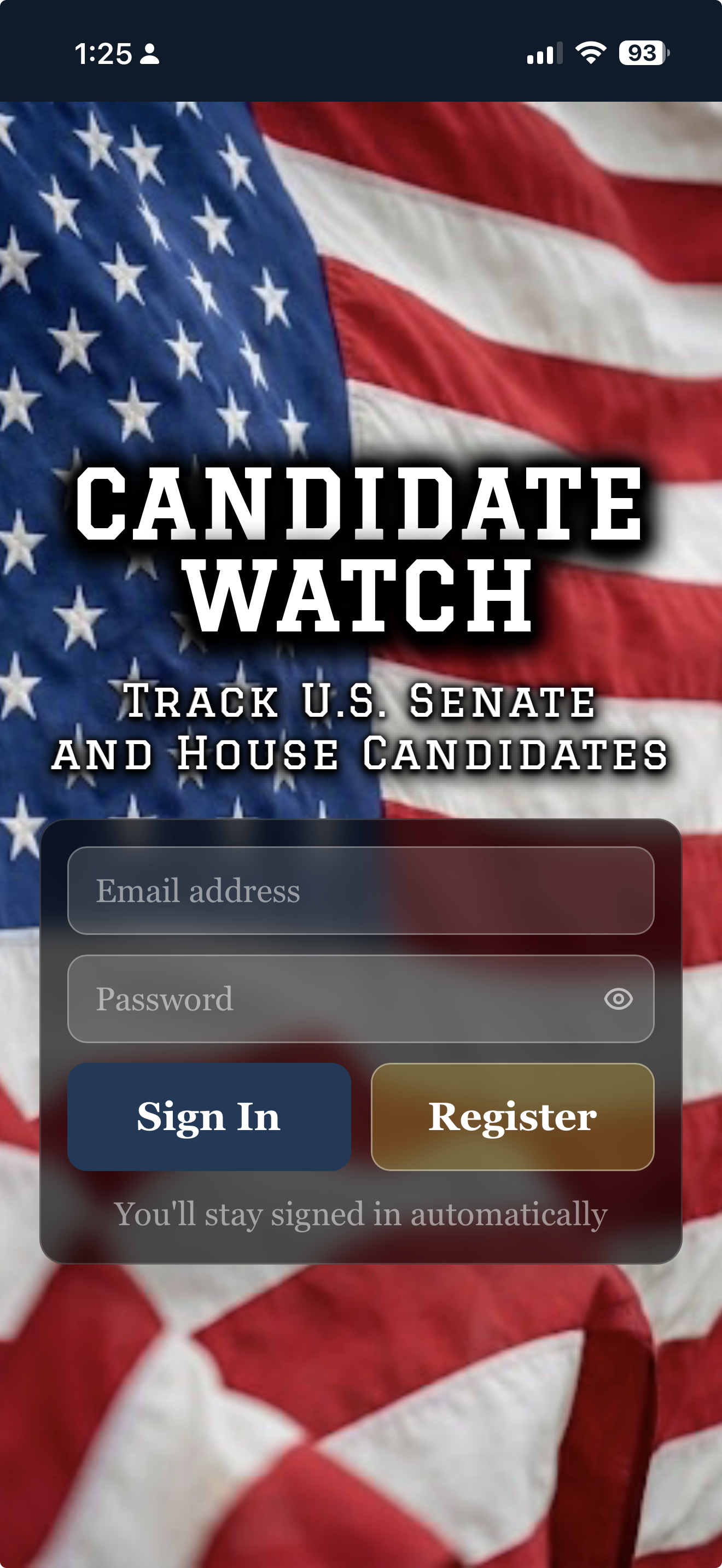
Candidate Watch — Sign in

— 01

How it works.

i.

Add a candidate.

Search by name, Senate or House. We pull their bio from Wikipedia, live finance from the FEC, and incumbent voting record from Congress.gov.

ii.

Save to your Watchlist.

We capture their current finances, start watching daily, and remember every shift. Promote anyone to My Candidates for fresh data on tap.

iii.

We alert you.

New filings, fundraising swings, sponsored bills, key votes — when something changes, you hear about it.

— 02

A quick tour.

Candidate Watch pulls live data from the Federal Election Commission for fundraising and candidate registration, and from Congress.gov for voting records and sponsored bills. The same public sources used by journalists and political professionals — refreshed daily.

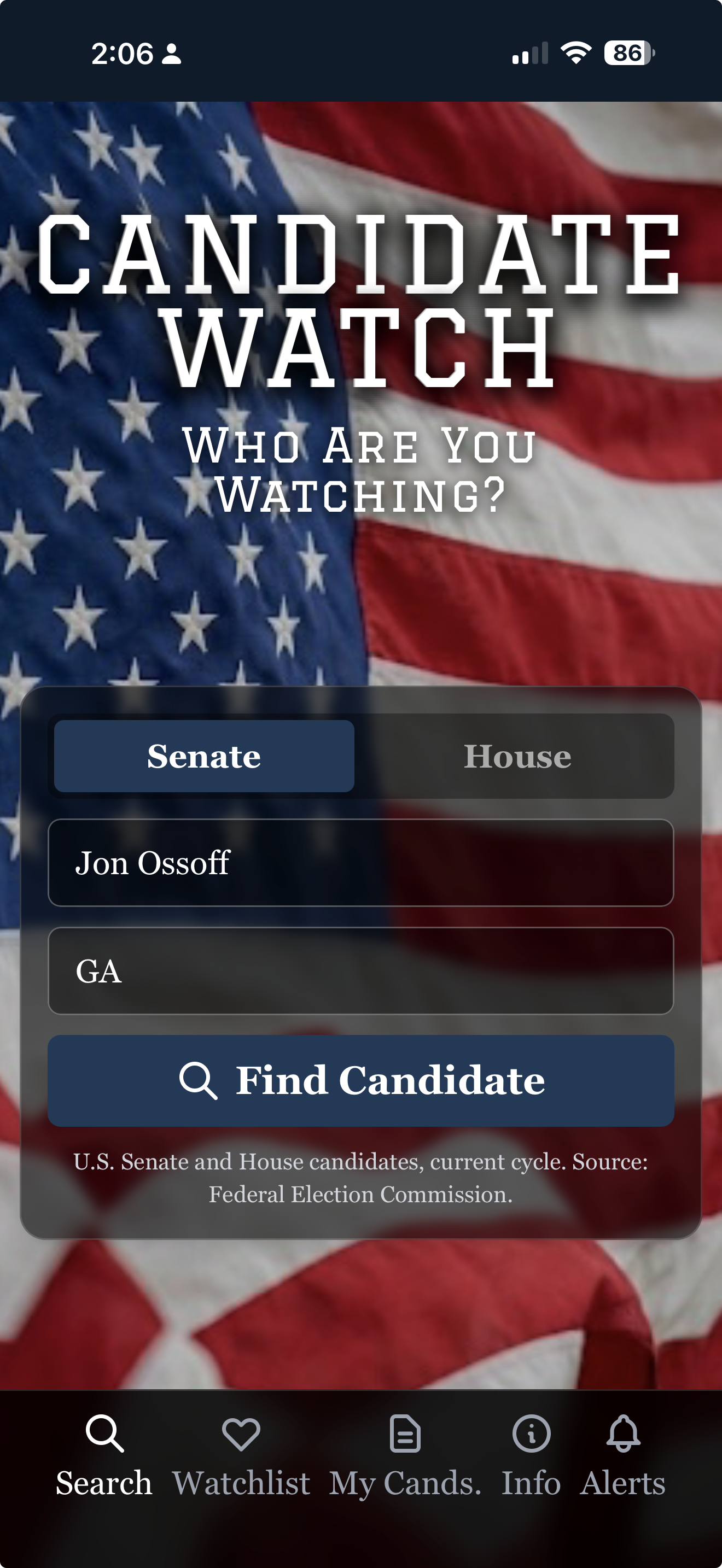
Candidate Watch — Find a candidate
Find a candidate

Senate or House. By name.

Type the name, pick the chamber, pick the state. We find them in the FEC database — currently registered candidates, current cycle. Both parties, every state, every race.

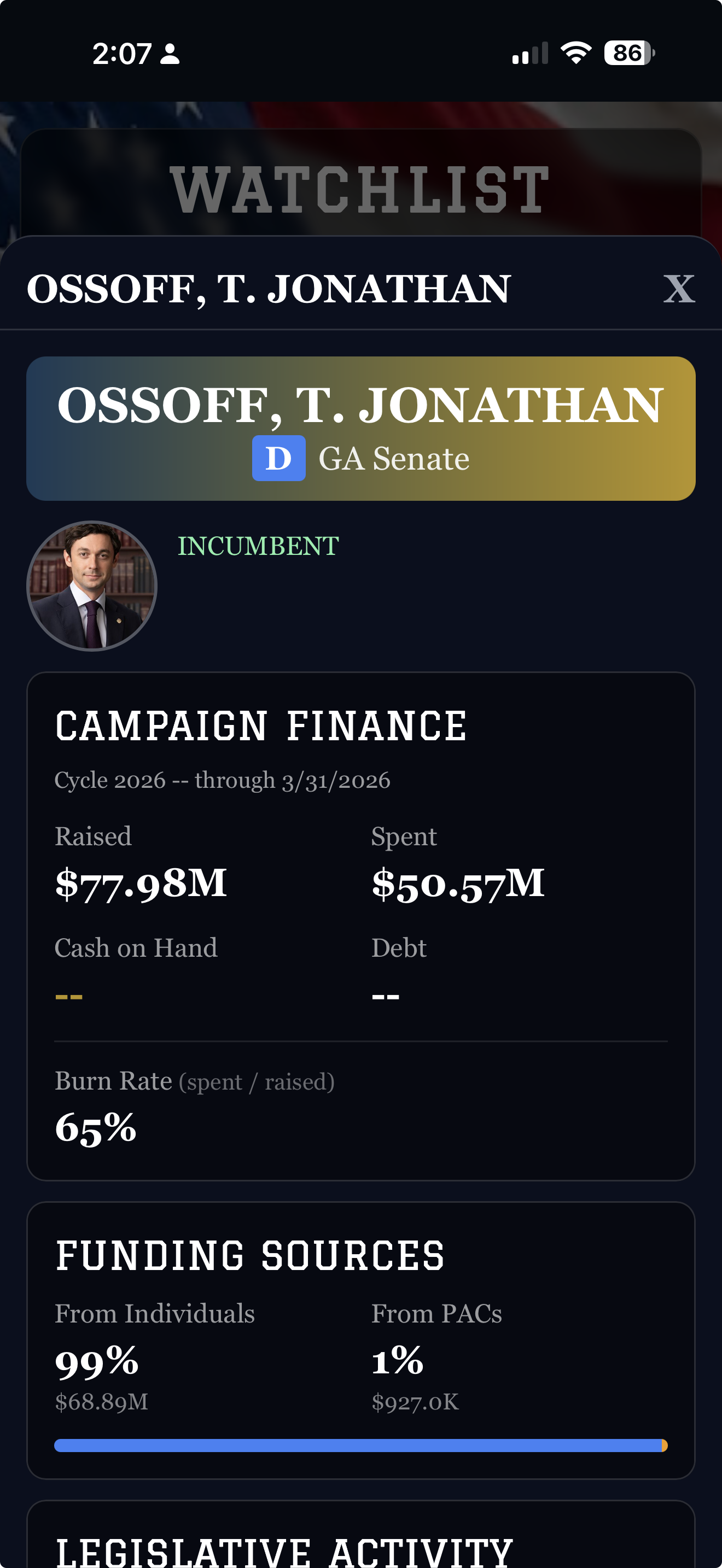
Candidate Watch — Watchlist with campaign finance
Your watchlist

Their money. In the open.

Raised, spent, cash on hand, burn rate. The split between individual donors and PACs. Recent sponsored bills if they're an incumbent. All sourced from FEC filings and Congress.gov, refreshed daily — so you see the picture as it develops.

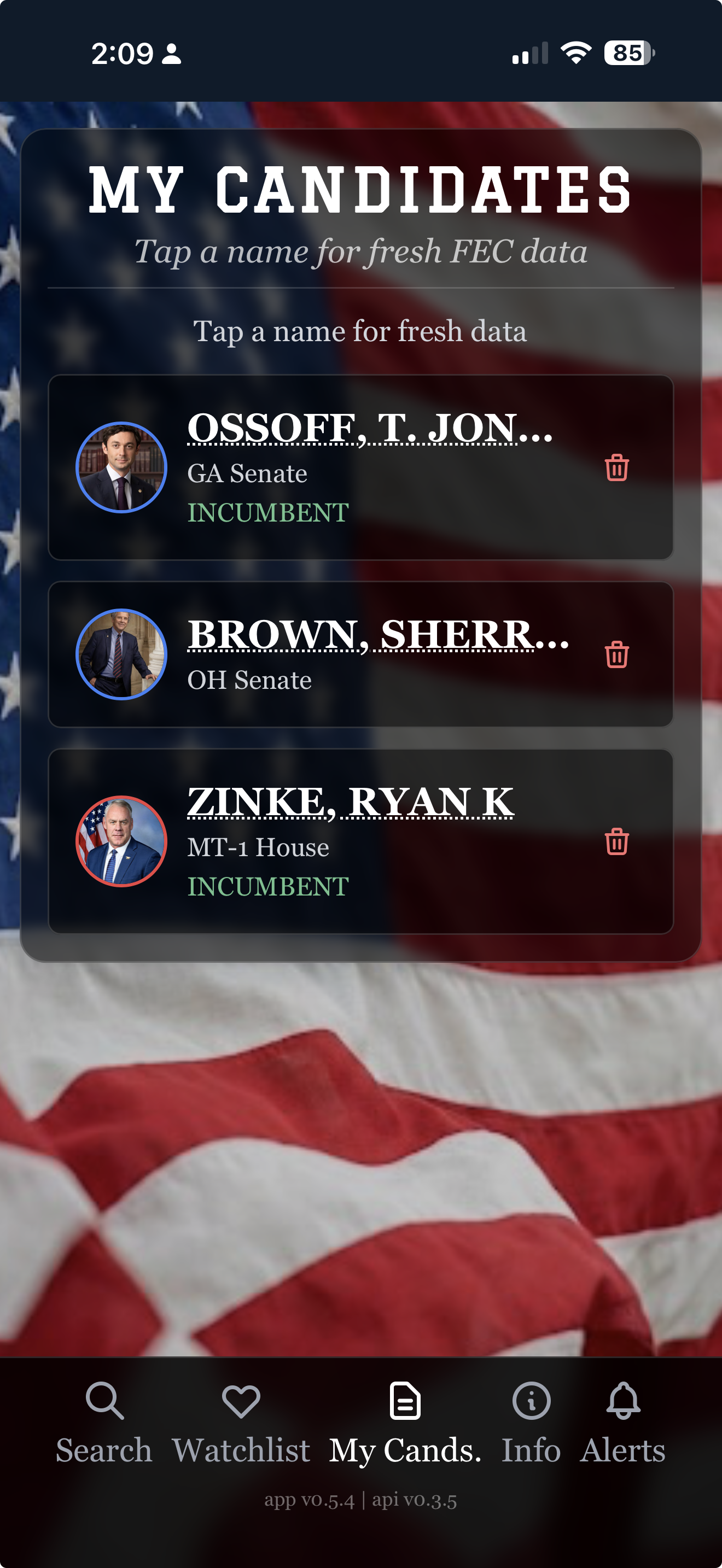
Candidate Watch — My Candidates priority list
My Candidates

Your priority list. Always fresh.

Promote anyone from your watchlist to My Candidates and every tap pulls live data from FEC and Congress.gov right now. Built for the candidates you're actually following — yours, your opponents', your representatives.

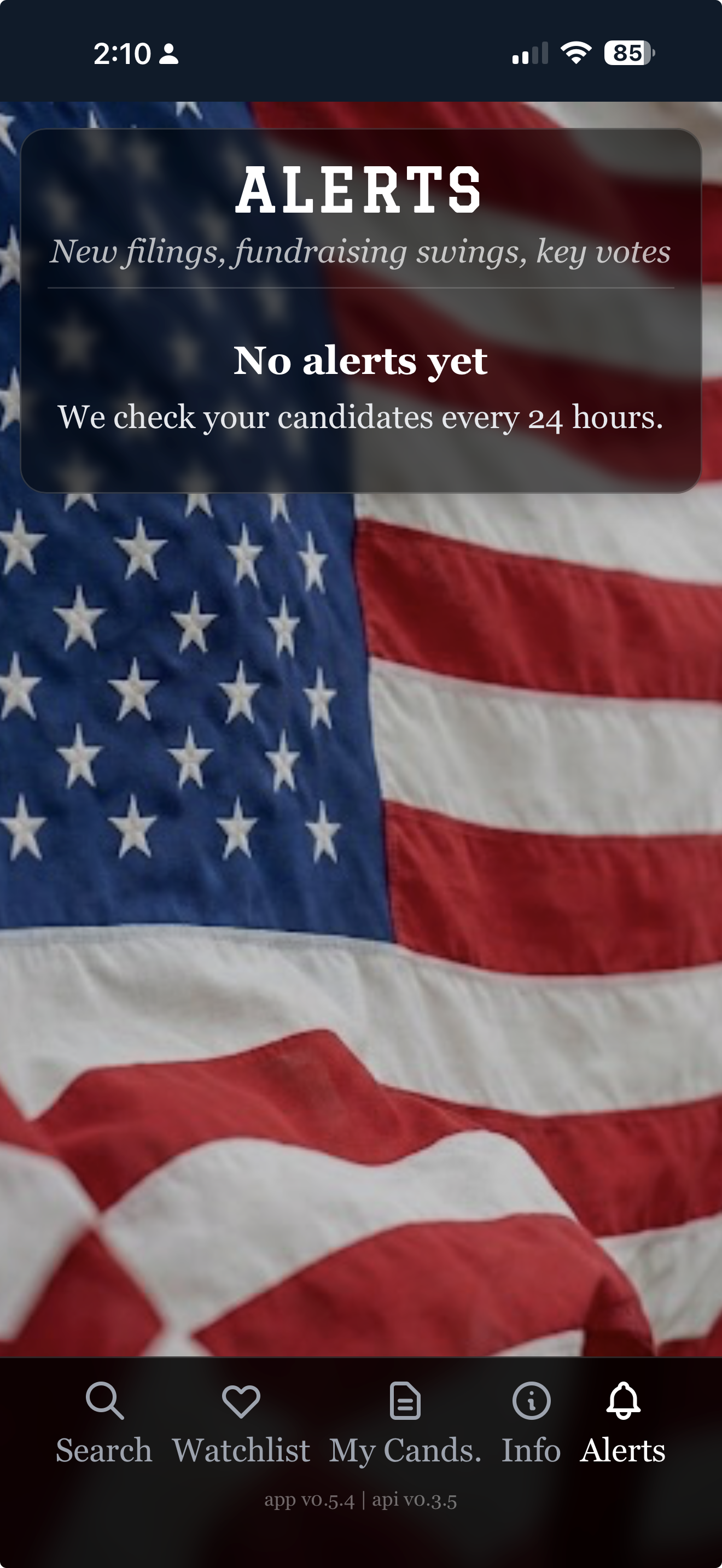
Candidate Watch — Alerts
Alerts

When something moves.

New filings. Fundraising swings. Sponsored bills. Key votes. We check every 24 hours and let you know — no need to refresh.

— 03

Put Candidate Watch on your phone.

Or just try it now — open it in your browser:

Open Candidate Watch

Candidate Watch is a web app — it installs in one tap, with no app store needed. Once installed, it has its own icon on your home screen and runs full-screen, just like any other app.

iPhone & iPad Safari

  1. Open candidate.watch in Safari (not Chrome — Apple only allows installs from Safari).
  2. Tap the Share button — the square with an arrow pointing up — at the bottom of the screen.
  3. Scroll down in the share menu and tap Add to Home Screen.
  4. Tap Add in the top-right corner. That's it.

The Candidate Watch icon will appear on your home screen next to your other apps. Tap it any time to launch.

Android Chrome

  1. Open candidate.watch in Chrome.
  2. Tap the three-dot menu in the top-right corner.
  3. Tap Install app — or Add to Home Screen, depending on your version of Chrome.
  4. Tap Install. That's it.

Some versions of Chrome show an automatic install banner at the bottom of the page — you can use that instead if you'd like.

Already on your phone? Just open it.

Open Candidate Watch
— 04

A few honest questions.

Where does the data come from?
Candidate Watch pulls live data from the Federal Election Commission (FEC) for fundraising and candidate registration, and from Congress.gov for incumbent voting records and sponsored bills. Bios come from Wikipedia. All public, all primary sources.
Is this partisan?
No. Both parties are tracked the same way, from the same public sources. Just the facts — no polls, no predictions, no editorial.
Which candidates can I track?
Currently registered U.S. Senate and House candidates for the current election cycle, per the FEC database. As candidates register through the cycle, they become available to add.
How fresh is the data?
Your Watchlist refreshes daily with a background check across FEC and Congress.gov. My Candidates pulls live data on every tap, so the candidates you care about most are always current.
Does it cost anything?
No. Candidate Watch is free. There are no ads and no subscriptions on the core experience.
Can I delete my watchlist or my account?
Yes — any time, from inside the app. Each candidate has a delete button, and the Account section lets you remove everything. We don't make it hard.
— 05

Other 3Brains apps. Same idea, different things to watch.

3Brains is a small platform of watch apps. Once you know one, you know them all — add what you care about, and we'll alert you when something changes.